DIVE INTO TRAINING

Watch & Learn

TRAINING VIDEOS

Here you’ll find a complete and interactive guide to equipment use, workflows, and safety basics before operating any machine in the lab. These videos provide step-by-step instructions, highlight best practices, and help you become familiar with the tools and processes you’ll be using.

Skip to Videos
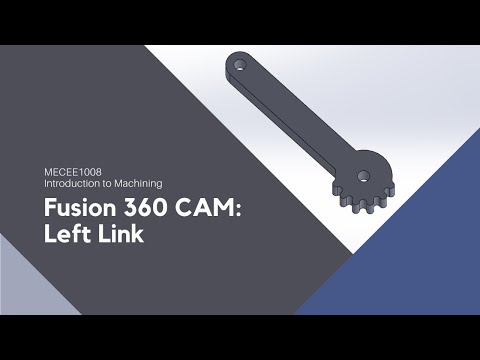
  • Fusion360 CAM Instructions for Left Link

    Fusion360 CAM Instructions for Left Link

    In this video, Bob goes through the steps needed to generate g-code using Fusion 360 CAM for the left link.

  • CAM Instructions for Left Block

    CAM Instructions for Left Block

    In this video, we go through the steps needed to generate multi-tool g-code using SolidWorks CAM for the left block of the scissor jack project. Generating g-code for the right block is very similar, but it does require a different sized drill.
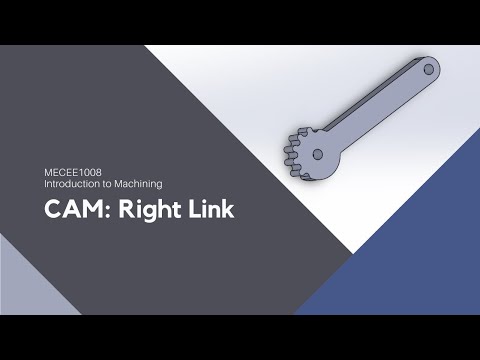
  • SolidWorks CAM Instructions for Right Link

    SolidWorks CAM Instructions for Right Link

    In this video, we go through the steps needed to generate g-code using SolidWorks CAM for the right link, one of the parts needed to finish the Intro to Machining project.